Freelancer tips
5 Platforms to Create Comparison Charts Online, Free Plans
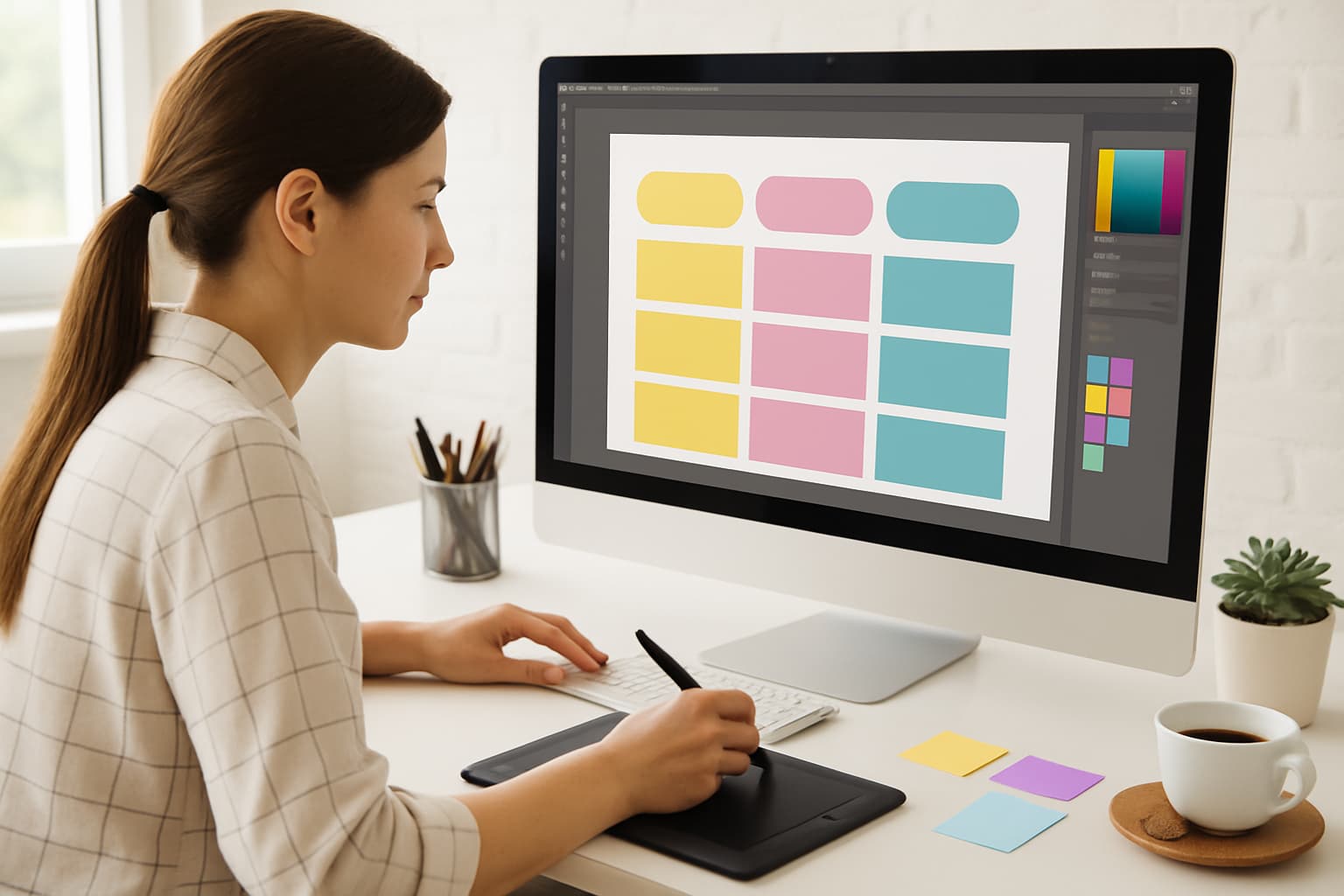
Canva, Visme, Miro, Piktochart and MyMap.ai for comparison charts: what each is good for and what you can download without paying.
Santiago SanchezNovember 27, 2026

Google Drive is Google’s service for storing, organizing, and sharing files online, with access from any internet-connected device. It also enables real-time collaboration via links and permissions to view, comment, or edit.
In a freelancer's work life, every minute counts, and file management is crucial to maximizing productivity. One secure and flexible solution for quick and safe access to your documents is Google Drive.
Organization and real-time collaboration are among Google Drive’s most notable features, but they’re not the only ones. This tool can help you optimize your workflow, whether you work in design, writing, marketing, or any other profession.
For this reason, you need to understand what Google Drive is and how its cloud storage works, and in this post, we break it all down.
It is a service developed by Google to store, organize, and share files online, similar to Dropbox.
The goal of Google Drive is to give you access to your documents from anywhere and any device with an internet connection. That’s why it integrates with other Google products and offers real-time collaboration options, making remote work much easier.
It works as a virtual hard drive, offering cloud storage for uploading, organizing, and accessing your files. You can store documents, images, videos, or any type of file.
To use it you need a Google Account. It does not have to be a Gmail address: Google lets you create the account with an email you already have from another provider. The same account gives you access to other Google services such as Calendar and Meet.
Google Drive also allows for automatic synchronization to prevent file loss. In other words, if you modify a document, it will instantly update across all connected devices.
Unlike services like WeTransfer, Google Drive offers a more comprehensive solution. Not only can you share files via links or specific permissions, but you can also create documents, spreadsheets, and presentations.
The storage space in Google Drive is shared with other Google services: Gmail and Google Photos.
It offers free storage of up to 15GB, which is divided among these three services. This means that within that limit, space is occupied by:
Files saved in Drive.
Emails in Gmail.
Photos and videos stored in their original quality in Google Photos.
If you need more space, you can expand it with a Google One plan, subject to availability. In some cases, Google offers extra storage through promotions or specific purchases.
There are several Google Drive features that can help you efficiently manage files with your clients.
Among its advanced functions, we highlight:
The Google Drive search function allows you to find files by:
Keywords.
File type.
File name.
Owner.
Modification date, and more.
Meanwhile, advanced filters make it easier to locate documents in large libraries.
You can preview documents, images, videos, and other files without needing to download them. This speeds up file reviews and avoids unnecessary storage use on your device.
You also don’t have to download or open external apps to edit them. Google Drive allows direct editing through Google Docs, Sheets, and Slides, enabling real-time changes.
Your documents will always be up to date.
As one of the essential tools for remote work, Google Drive offers solutions such as:
Access control.
Activity auditing.
Retention policies.
Enhanced security measures.
These ensure efficient and secure file management in today’s digital business world.
Need access to your files wherever you go?
Install the Google Drive app for Android or iOS. From there, you can view, make quick edits, and share documents with clients or add real-time collaborators.
You can also set specific permissions to view, comment, or edit, ensuring total control over your information.
Google Drive’s flexibility allows you to access and edit files even without an internet connection.
This feature is especially useful for freelancers who need to work on the go, whether on a flight or in places without internet access. Changes are automatically synced once you reconnect, ensuring everything stays updated.
If you delete a file by mistake, you can restore it from the trash: items stay there for 30 days and are then deleted permanently. Keep in mind that Drive syncs rather than backs up, so a file deleted on one device is deleted everywhere.
Another Google Drive advantage is how easy it is to organize photos, videos, and presentations. In addition to playing videos directly from the platform, you can share multimedia files without needing downloads.
More than just cloud storage, Google Drive enhances productivity, improves collaboration, and ensures file security. This is essential for successful freelancers and teams looking for efficiency and organization.
When it comes to free cloud storage, Google Drive and Dropbox are two of the top choices. But while both options are great, they differ in several ways.
Google Drive is part of Google Workspace, alongside Docs, Sheets, Slides, Gmail, Calendar and Meet. Dropbox works with third-party editors through integrations.
Another advantage is Google Drive’s free storage capacity. Since Dropbox offers a much smaller space (2GB), unless expanded through referrals, Google Drive has the edge.
Here’s a simplified comparison:
Google Drive | Dropbox | |
Free storage | 15 GB, shared with Gmail and Google Photos | 2 GB on the Basic plan |
Devices on the free plan | No limit stated | Up to 3 |
Built-in document editors | Docs, Sheets and Slides | Integrates with third-party editors |
If you need fast and reliable syncing, Dropbox is useful, especially for large files. But as a freelancer, Google Drive might be the best choice since it’s a more complete tool.
Plus, its free cloud storage and collaboration features make task supervision easier.
Finally, as a freelancer you also need to manage your finances well. If you work with clients abroad, ARQ lets you receive payments from the US and Europe with your own account details, in USDs or EURc, and convert them to your local currency when you want, seeing the cost before you confirm.
Google Drive offers free cloud storage of up to 15GB. However, with Google One plans, you can increase storage to 100GB or even 2TB, depending on your subscription choice.
You won’t be able to upload or create new files, nor back up files in Google Photos. You may also stop receiving emails in Gmail. If you don’t free up space or upgrade your plan within two years, Google may delete your content with prior notice.
You can use Google’s storage management tools to identify and delete large files. Another option is downloading documents to your device and removing them from the cloud.
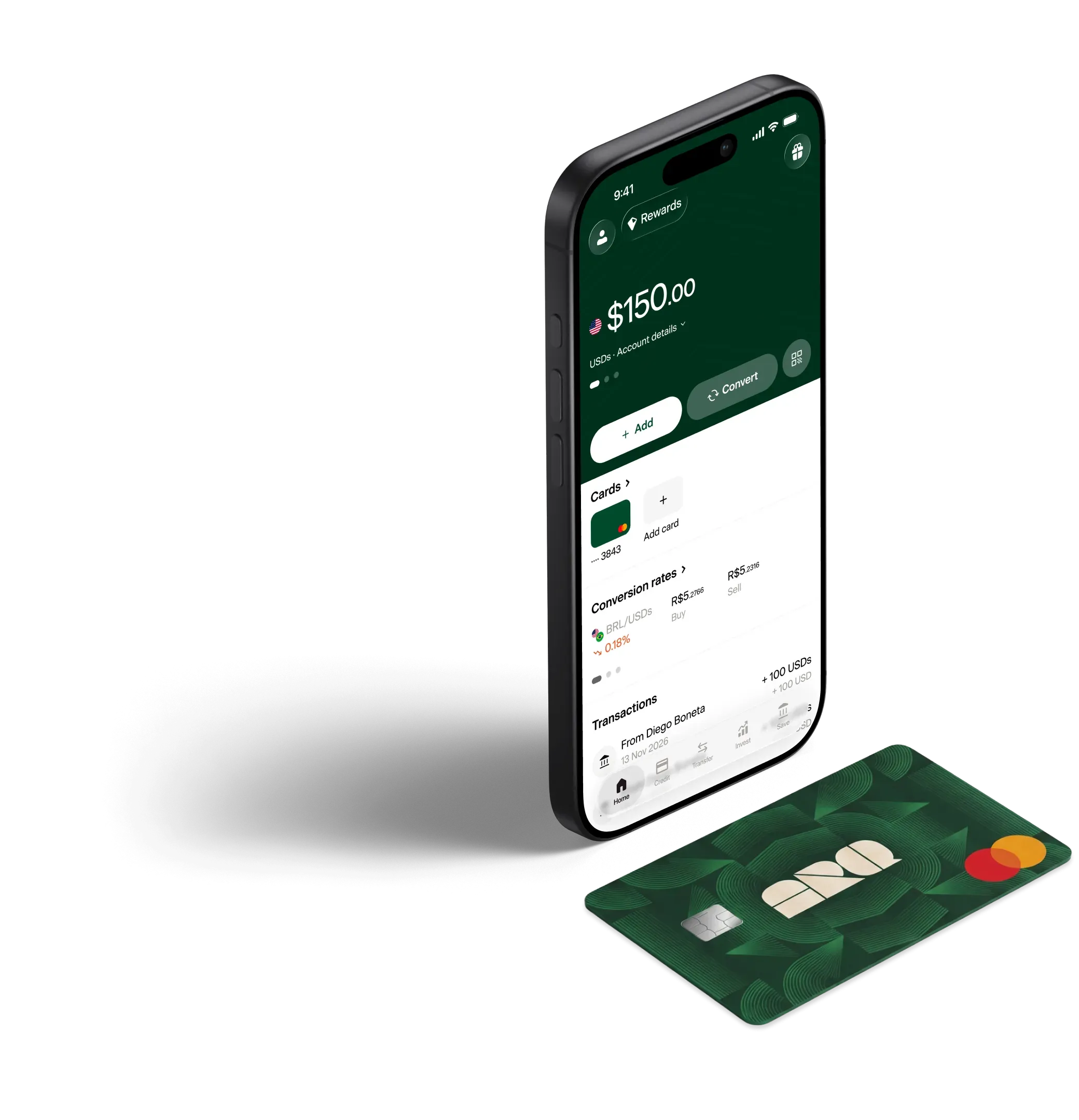
Convert reais to digital dollars or digital euros in seconds, at real market rates. Without hidden fees.
Canva, Visme, Miro, Piktochart and MyMap.ai for comparison charts: what each is good for and what you can download without paying.
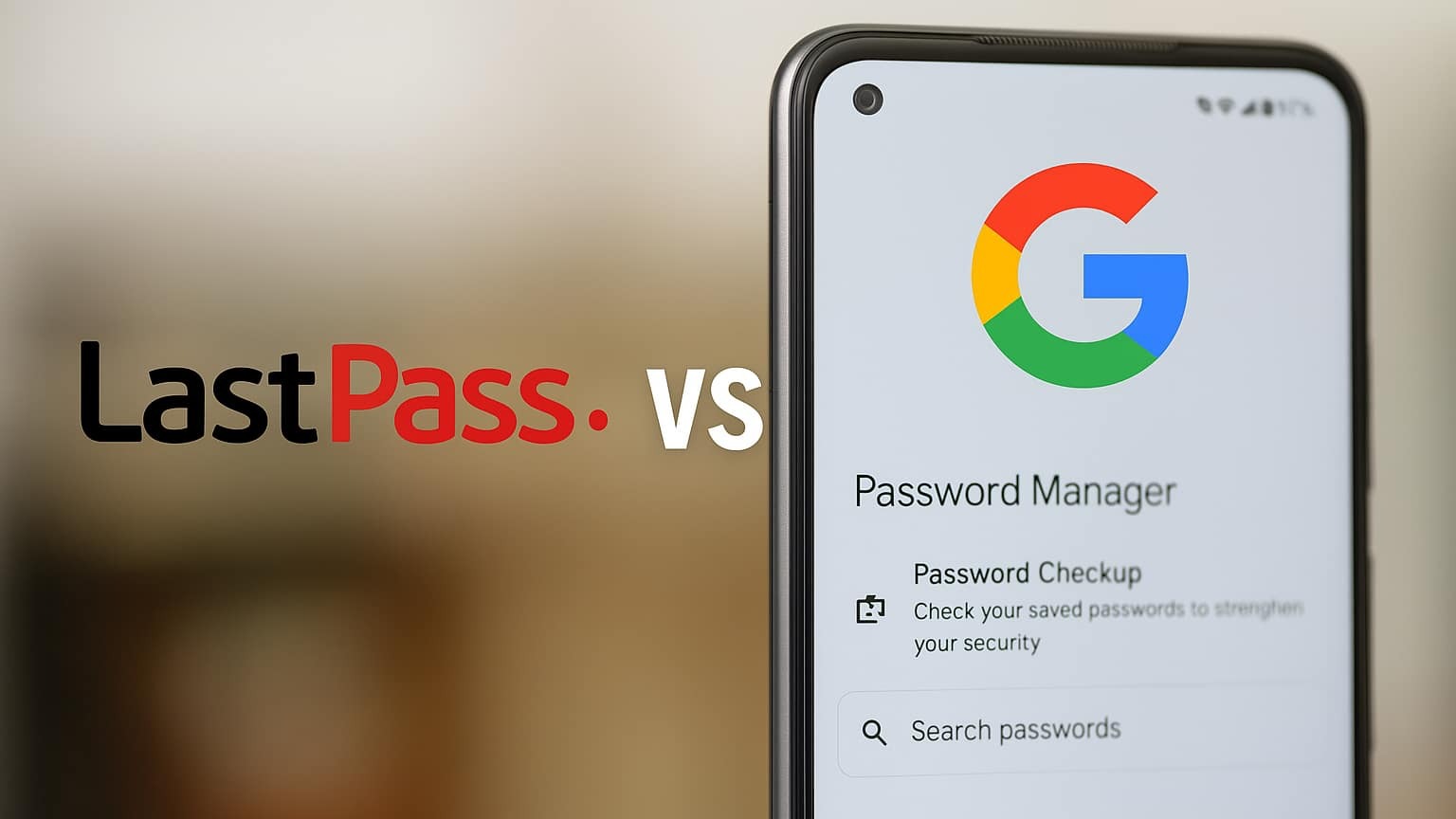
We compare Google Password Manager and LastPass on encryption, sync and plans, and show how to move your passwords from one to the other.

What Trello is, what its free plan includes in 2026 (10 boards and 10 collaborators per Workspace) and a client board you can copy.
Scan the code and join ARQ.
2 million people around the world already manage their finances with ARQ.