Freelancer tips
5 Platforms to Create Comparison Charts Online, Free Plans
Canva, Visme, Miro, Piktochart and MyMap.ai for comparison charts: what each is good for and what you can download without paying.
Santiago SanchezNovember 27, 2026

Trello organizes tasks in boards, lists and cards (Kanban). Its free plan allows up to 10 boards and 10 collaborators per Workspace and 250 automation runs a month. For freelancers, one board per client with a list per stage works well.
Trello is a project management tool that shows work as cards moving across columns. Here is how it works, what the free plan includes and a board for managing a client that you can copy as is.
Trello uses the Kanban method, which comes from Toyota's production system: work is shown in columns and each task moves from one to the next. It has three parts:
Boards: a project or a client.
Lists: the stages of the work, for example "To do", "In progress" and "Delivered".
Cards: each task, with a description, due date, members, checklists and files.
It also has an Inbox to capture to-dos from email or Slack and a Planner to see tasks on your calendar. Trello's automation (formerly called Butler) moves cards or marks dates based on rules you set.
Free | Standard | Premium | |
Price per user per month | 0 | USD 5 (billed yearly) or 6 (monthly) | USD 10 (billed yearly) or 12.50 (monthly) |
Boards | Up to 10 per Workspace | Unlimited | Unlimited |
Collaborators | Up to 10 per Workspace | Unlimited | Unlimited |
File size | 10 MB | 250 MB | 250 MB |
Automation runs a month | 250 | 1,000 | Unlimited |
Planner | View only | Full | Full |
Calendar, timeline and table views | No | No | Yes |
USD prices from Trello's pricing page on November 27, 2026. For a freelancer with a few clients, the free plan is usually enough; the 10-board limit is the first one you notice.
Create a board named after the client with these lists:
List | What goes there | Sample card |
Info | Fixed client details | Brief, contact, shared access and payment method |
To do | Agreed tasks not started | Design 3 social posts, due December 5 |
In progress | What you are working on | December blog article draft |
Client review | Deliveries waiting for feedback | First logo version, sent December 2 |
Delivered | Approved work | Landing page approved |
To invoice | Approved but unpaid | November invoice, due December 15 |
Card template: a description with the goal, a due date and a checklist with the steps.
Labels: "urgent", "waiting on client" and "out of scope", to spot extra work worth quoting separately.
One automation rule: when a card reaches "Delivered", mark its due date as complete.
With the free plan limit, use one board per client up to 10. If you have more, group several clients on one board and tell them apart with labels.
Pros: you learn it in minutes, you can comment and assign tasks without long email threads, and it connects with Slack, Google Drive and other tools through Power-Ups.
Limits: the free plan falls short with more than 10 projects, the web version needs a connection (the mobile apps let you work offline and sync later), and for projects with many dependencies a tool like Notion may fit better.
If you get paid by clients abroad, ARQ gives you your own US and EU account details to receive payments in USDs and EURc. On the Standard plan, each international payment costs USD 3 or EUR 3.
Yes. The Free plan allows up to 10 boards and 10 collaborators per Workspace, unlimited cards and 250 automation runs a month.
Not on the web. The iOS and Android apps let you view and edit offline and sync your changes later.
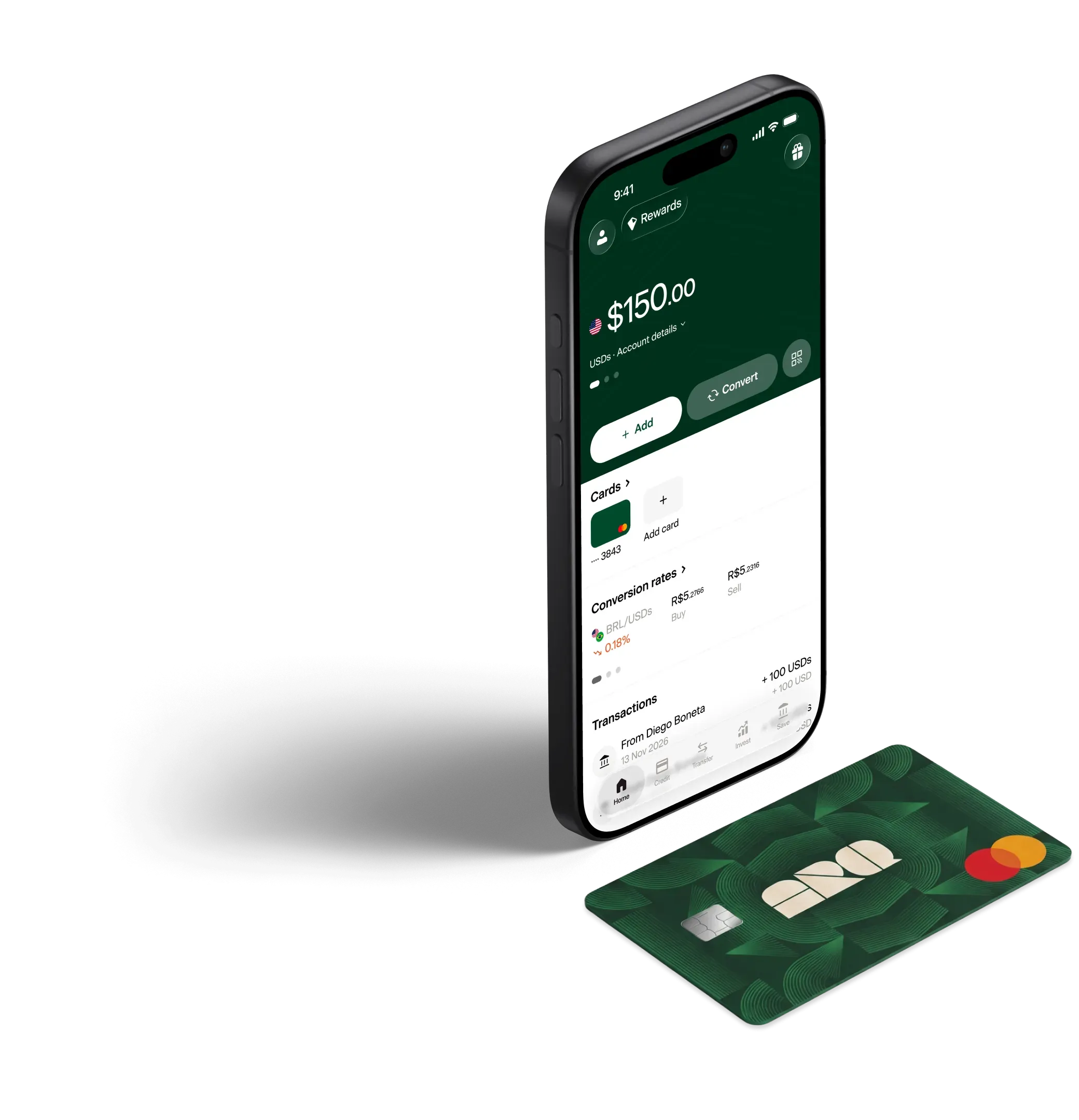
Convert reais to digital dollars or digital euros in seconds, at real market rates. Without hidden fees.
Canva, Visme, Miro, Piktochart and MyMap.ai for comparison charts: what each is good for and what you can download without paying.
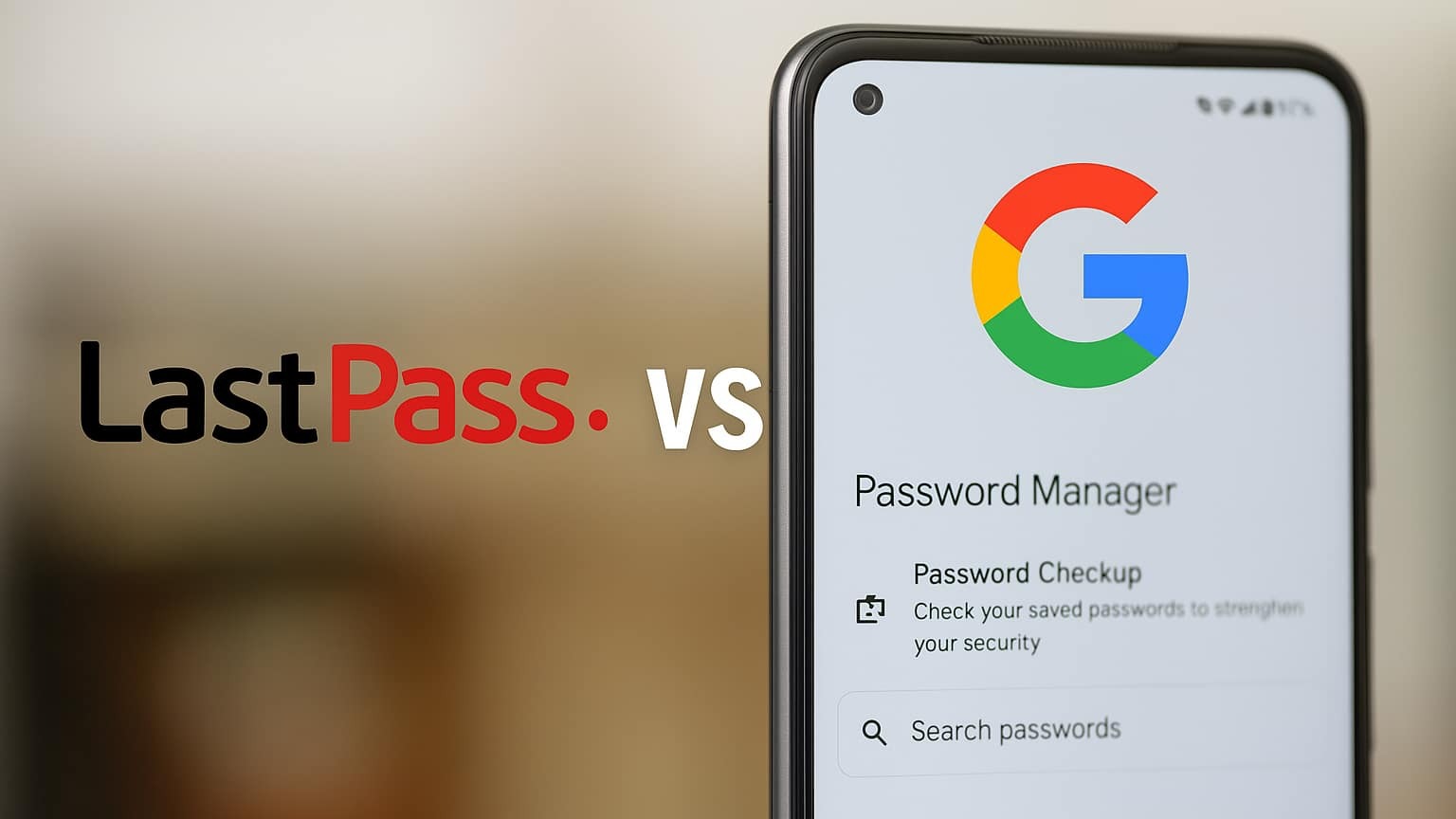
We compare Google Password Manager and LastPass on encryption, sync and plans, and show how to move your passwords from one to the other.

30 jobs you can do from home, grouped by type, with what you need to start each one and which require a professional license or registration.
Scan the code and join ARQ.
2 million people around the world already manage their finances with ARQ.