Freelancer tips
5 Platforms to Create Comparison Charts Online, Free Plans
Canva, Visme, Miro, Piktochart and MyMap.ai for comparison charts: what each is good for and what you can download without paying.
Santiago SanchezNovember 27, 2026

You can make a synoptic chart for free in Canva, Miro, Lucidchart or Xmind; Visio has no free plan. Limits differ: Miro lets you edit 3 boards, Lucidchart 3 documents with 75 shapes each, and Xmind 10 online maps.
A synoptic chart summarizes a topic with braces or lines that go from the main idea to the details. Making it online lets you edit, share and export it. Here are five tools, what each lets you do for free and which one fits what you need.
From each company's pricing page, checked on November 26, 2026:
Tool | Free plan includes | Limit to keep in mind |
Miro | Unlimited boards and 7,000+ templates | Only the 3 most recent boards stay editable |
Lucidchart | 3 editable documents and 100 templates | Up to 75 shapes per document |
Canva | Templates and PNG, JPG and PDF downloads | Transparent-background PNG is a Canva Pro feature |
Microsoft Visio | No free plan | One-month trial with a card; Plan 1 from USD 5 per user per month, billed yearly |
Xmind | Up to 10 online maps | Export without watermark is in the Pro plan |
Miro: an online whiteboard for building the chart with shapes and connectors and sharing it with a link; good when a client or team comments on the same board.
Lucidchart: diagramming with shape libraries, templates and real-time editing. Visio import and export start on the Individual plan; Microsoft 365 integrations are on the Team plan.
Canva: the simplest choice for a presentation or school work: search "synoptic chart" in templates, edit and download.
Microsoft Visio: sold separately, not part of Office by default. A basic web version (Visio in Microsoft 365) comes with Microsoft 365 commercial plans; Plan 1 is USD 5 and Plan 2 USD 15 per user per month, billed yearly, and among subscriptions only Plan 2 includes the desktop app. Visio Standard 2024 and Professional 2024 are also sold as a one-time-purchase desktop licence, with no trial.
Xmind: built for mind maps, but its branch structure works for a horizontal synoptic chart.
Before paying, try the free plan with a real chart: hitting the board, document or shape limit tells you whether a paid plan is worth it.
If you pay subscriptions in dollars, the ARQ card is a secured credit card backed by your ARQ account balance, accepted wherever Mastercard is.
No. It has a one-month trial that requires a card, and a basic web version included in Microsoft 365 commercial plans.
Miro, Lucidchart, Microsoft Visio, Xmind and Canva: official pricing pages (accessed November 26, 2026).
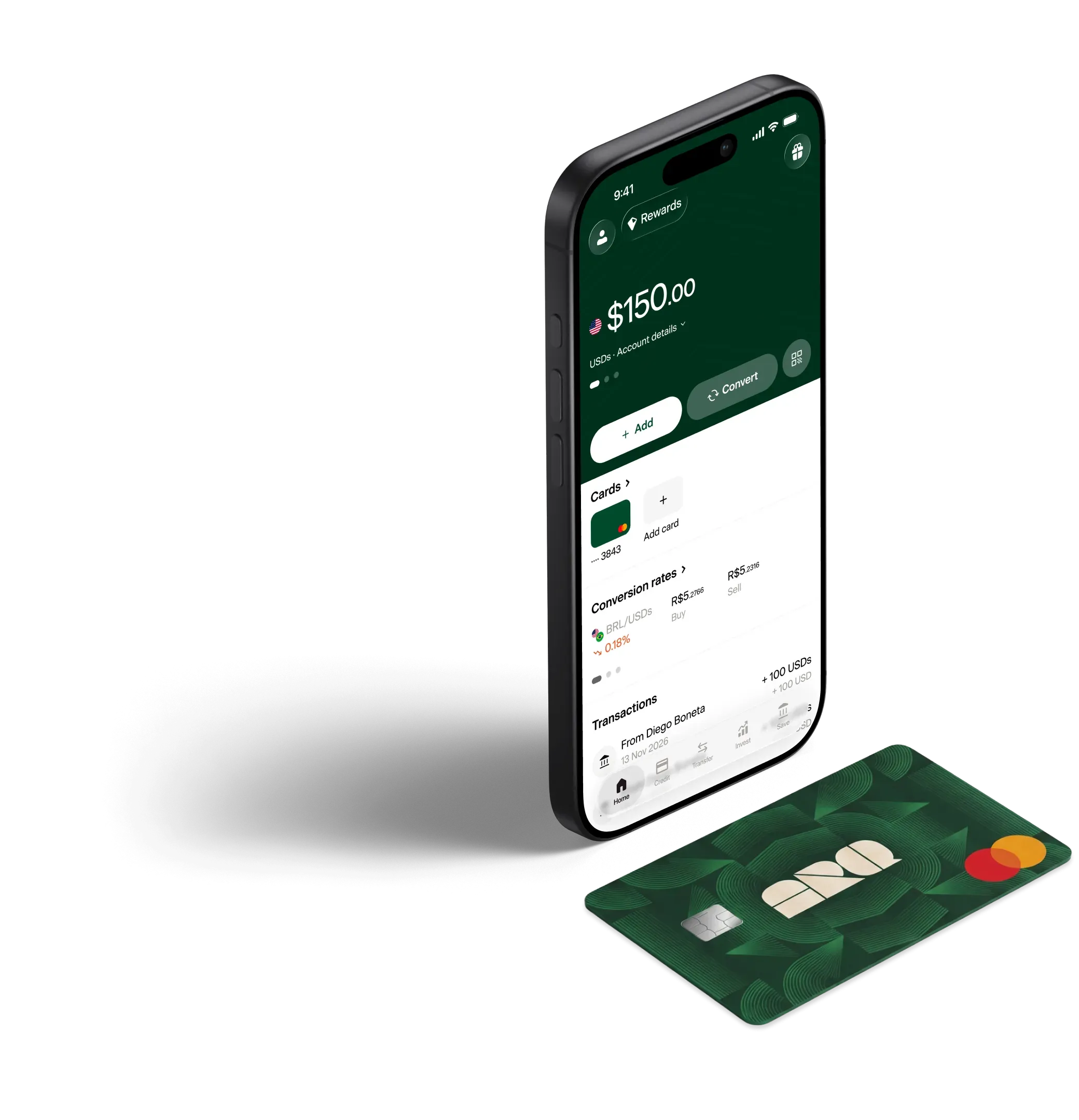
Convert reais to digital dollars or digital euros in seconds, at real market rates. Without hidden fees.
Canva, Visme, Miro, Piktochart and MyMap.ai for comparison charts: what each is good for and what you can download without paying.
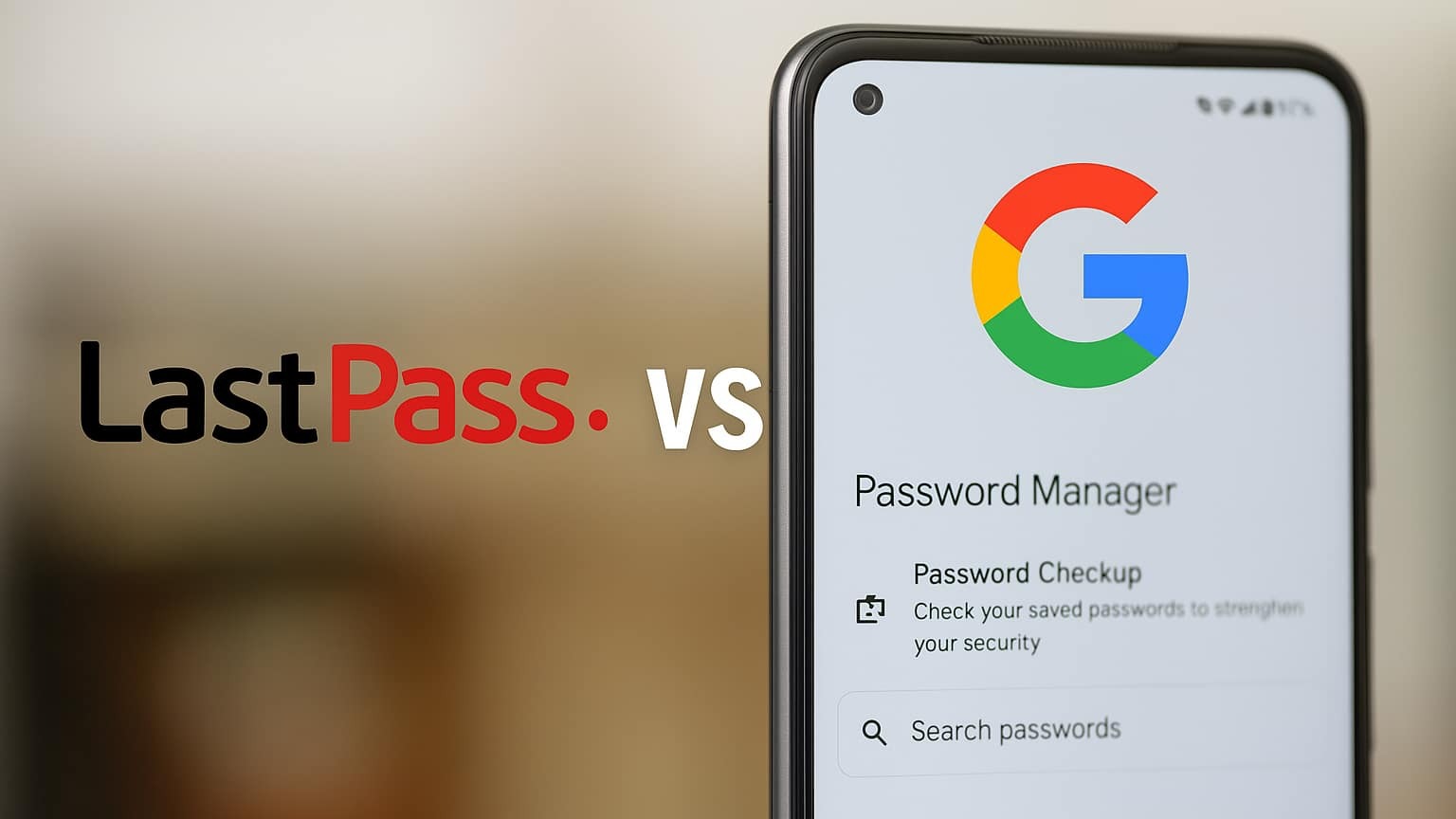
We compare Google Password Manager and LastPass on encryption, sync and plans, and show how to move your passwords from one to the other.

What Trello is, what its free plan includes in 2026 (10 boards and 10 collaborators per Workspace) and a client board you can copy.
Scan the code and join ARQ.
2 million people around the world already manage their finances with ARQ.