Freelancer tips
5 Platforms to Create Comparison Charts Online, Free Plans
Canva, Visme, Miro, Piktochart and MyMap.ai for comparison charts: what each is good for and what you can download without paying.
Santiago SanchezNovember 27, 2026
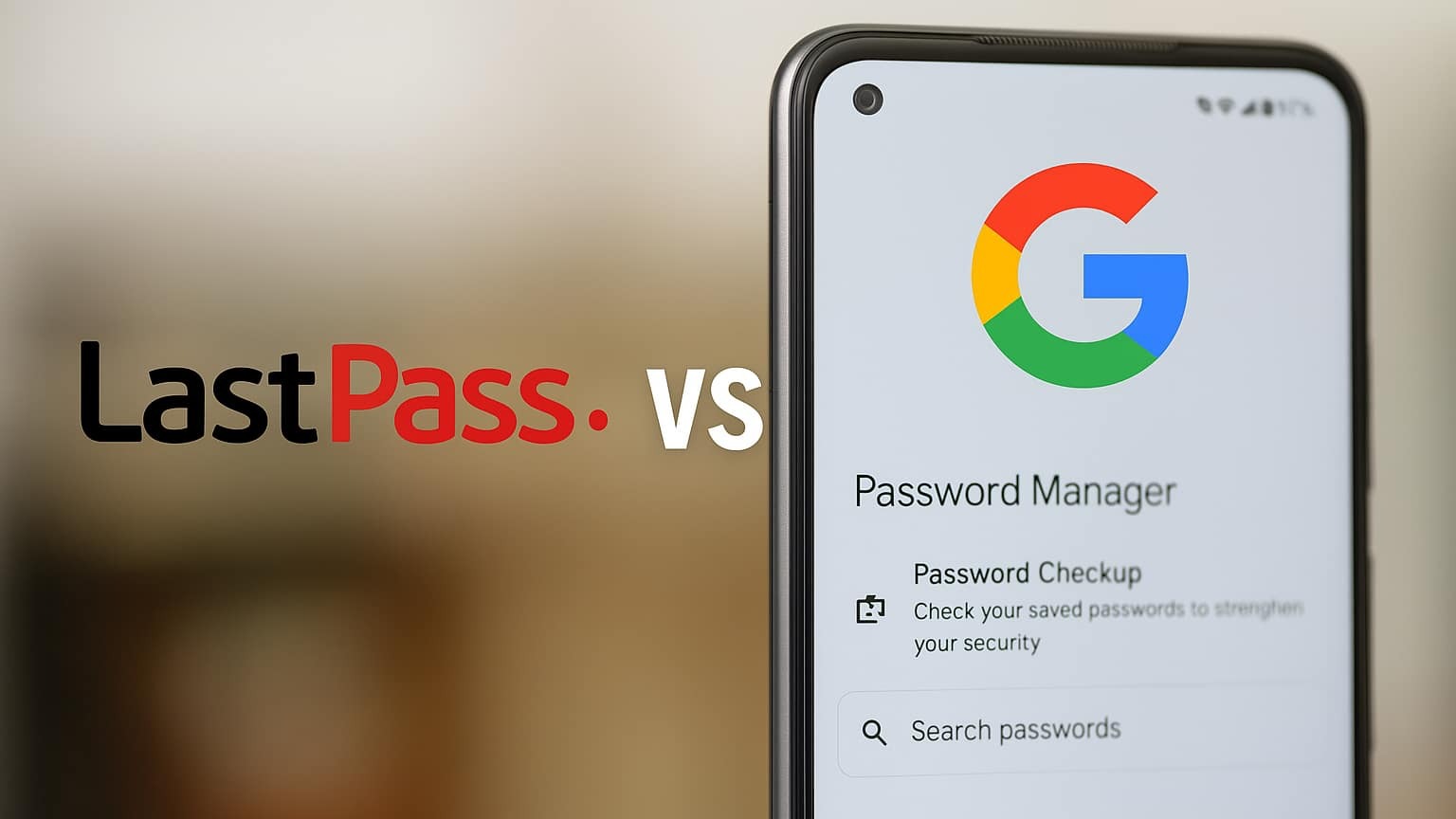
Google Password Manager is free and enough if you use Chrome and Android. LastPass adds a zero-knowledge vault, shared folders and team plans, but its Free plan works on one device type only. You can move passwords between them with a CSV file.
If you handle client accounts, banks and payment platforms, a password manager keeps you from reusing weak passwords. Here is what actually differs between Google Password Manager and LastPass, plus the steps to move your passwords without losing any.
It is built into Chrome and Android, and works on iPhone if you choose Chrome for autofill. It saves passwords and passkeys, fills them in on sites and apps, and its Password Checkup flags weak, reused or leaked passwords. It stores up to 10,000 passwords.
On encryption: by default, Google encrypts your passwords and keeps the key. You can turn on on-device encryption so only you hold the key; Google warns that if you lose it, you may lose your data.
An independent manager available as a browser extension and as apps for Windows, macOS, Android and iOS. It encrypts the vault on your device with AES-256 and uses a zero-knowledge model: the company does not have your master password. It adds shared folders, secure notes, dark web monitoring and multi-factor authentication.
Its Free plan works on one device type only (computer or mobile). Personal plans are Premium, Families (6 people) and Plus (Premium with a VPN); business plans are Teams (up to 50 users), Business and Business Max. LastPass shows prices in your local currency, so check its pricing page before you subscribe.
In 2022 LastPass had an incident in which backups of customer vaults were copied. The company says it has strengthened its security since then. If you use it, pick a long master password and turn on multi-factor authentication.
Google Password Manager | LastPass | |
Price | Free with a Google Account | Limited Free plan; paid personal and business plans |
Devices | Chrome and Android; iPhone through Chrome | All devices on paid plans; one device type on Free |
Encryption | Google holds the key by default; on-device encryption optional | Local AES-256 encryption, zero knowledge |
Sharing | With your Google family group | Passwords and folders, with permissions |
Best for | Personal use inside Google | Sharing access with clients or a team |
Step | What to do | Watch out for |
1. Export from LastPass | In the extension: Account > Fix a problem yourself > Export vault items. In the web vault: Advanced options > Export. | The web vault sends a verification email that expires after 10 minutes. Attachments and TOTP codes are not exported. |
2. Check the file | Open the CSV and make sure the first line reads url, username, password. | Google does not recognize columns with other names. |
3. Import into Google | Go to passwords.google.com > Settings > Import > Select file. | Up to 3,000 passwords per file and 10,000 in total. |
4. Delete the CSV | Delete the file and empty the trash. | The CSV stores passwords unencrypted; anyone with access to the device could read them. |
5. Review | Use Password Checkup to change weak or reused passwords. | Set up your two-step verification codes again by hand. |
To go the other way, export from passwords.google.com (Settings > Export passwords) and import that CSV into LastPass from your account options. For more options, see our guide to other password managers.
Google Password Manager if you work on your own, already live in Chrome and Android, and only share access with family.
LastPass if you share access with clients or collaborators, use several browsers or need folders with permissions.
Either way, turn on two-step verification for your important accounts.
If you get paid by clients abroad, ARQ gives you your own US and EU account details to receive payments in USDs and EURc. On the Standard plan, each international payment costs USD 3 or EUR 3.
They could get into your Google services, including your saved passwords. Turn on two-step verification and add a recovery phone and email.
LastPass says it has strengthened its security and uses local, zero-knowledge encryption, so only your master password decrypts the vault. That is why it should be long and unique, with multi-factor authentication turned on.
Not at the same time: the Free plan works on one device type. To use it on both, you need a paid plan.
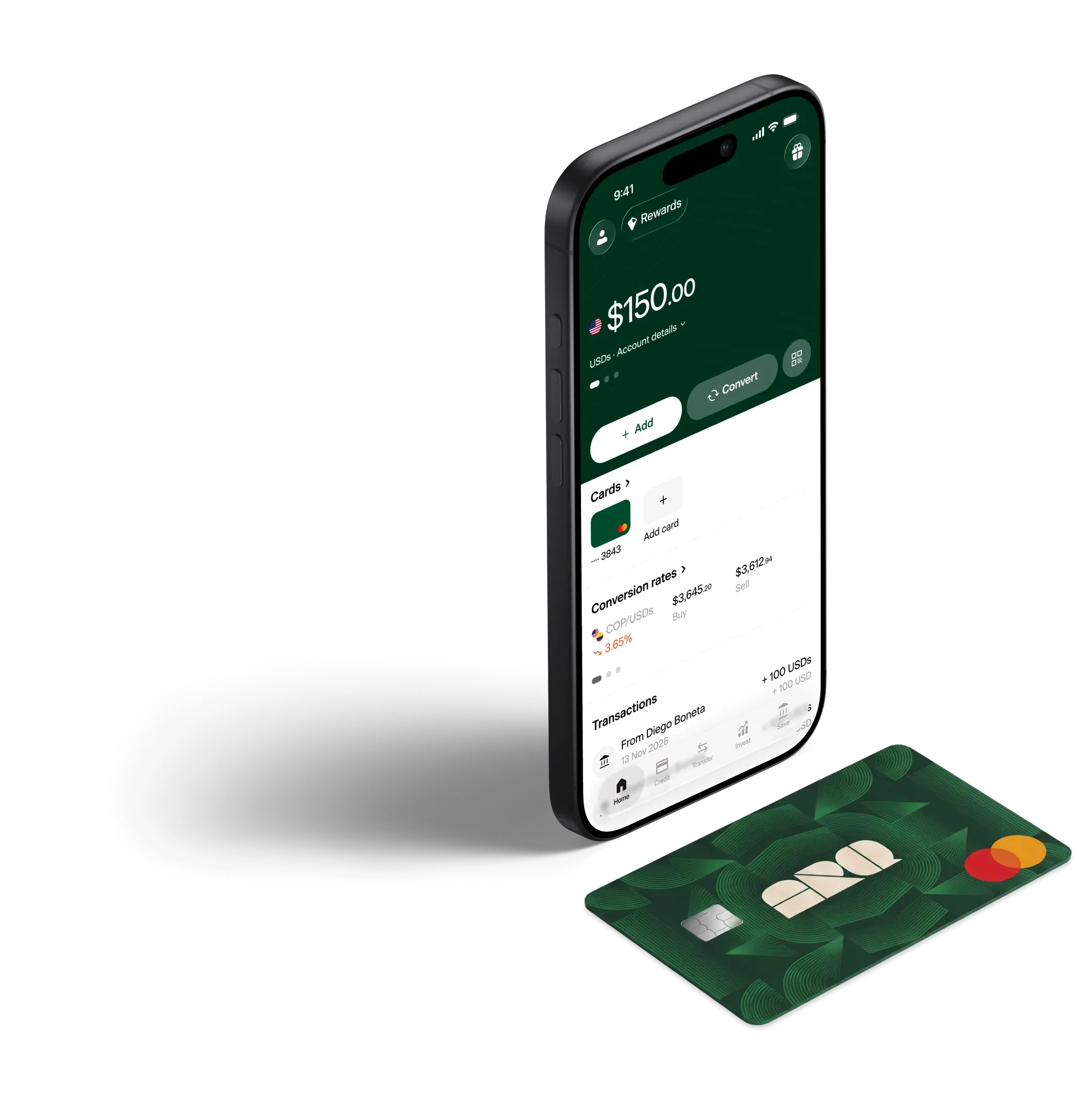
Get digital dollars and digital euros in seconds, at real market rates. Without hidden fees.
Canva, Visme, Miro, Piktochart and MyMap.ai for comparison charts: what each is good for and what you can download without paying.

What Trello is, what its free plan includes in 2026 (10 boards and 10 collaborators per Workspace) and a client board you can copy.

30 jobs you can do from home, grouped by type, with what you need to start each one and which require a professional license or registration.
Scan the code and join ARQ.
2 million people around the world already manage their finances with ARQ.