Freelancer tips
Google Password Manager vs. LastPass: Which to Choose
We compare Google Password Manager and LastPass on encryption, sync and plans, and show how to move your passwords from one to the other.
Santiago SanchezNovember 27, 2026
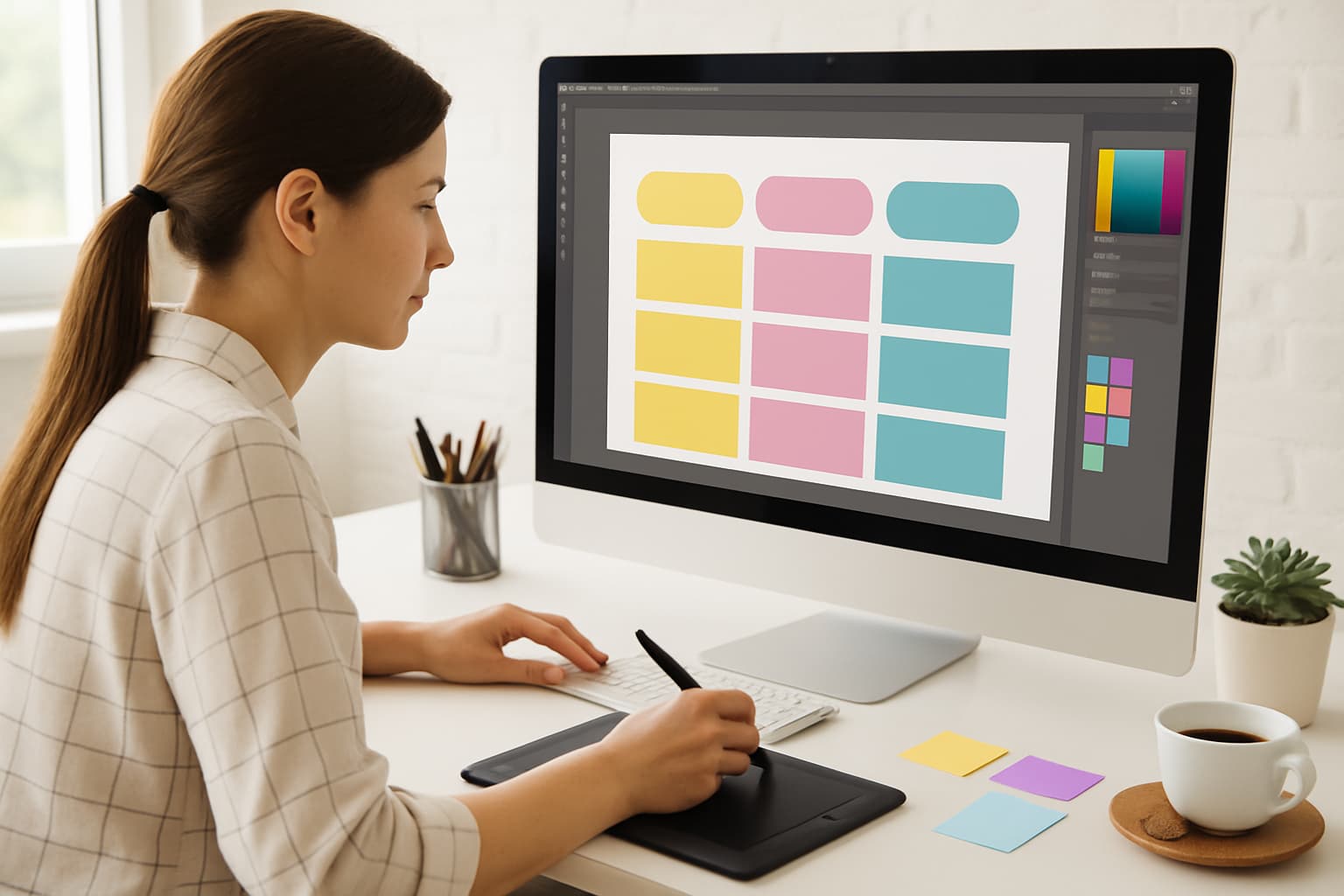
Canva, Visme, Miro, Piktochart and MyMap.ai all work for online comparison charts. If you need a free PDF, Canva is the most complete option: Visme has no downloads on its free plan and Piktochart gives only 2 PNG downloads.
A comparison chart puts two or more options in columns and the criteria in rows. The five platforms in this guide can all make one, but they differ in something people usually find out too late: what you can download or share without paying.
If this is your first comparison chart, start with how to make a comparison chart step by step. Here we compare where to make it. Plan details come from each pricing page, read on November 27, 2026.
Platform | Free plan | Free download | What the paid plan adds |
Canva | Editor and free templates | PNG, JPG and PDF | Transparent background, print PDF (CMYK) and premium templates |
Visme | Unlimited projects, limited templates | No downloads | JPG, PNG and PDF downloads from the Starter plan (USD 12.25 a month per person, billed yearly) |
Miro | 3 editable boards and a limited AI trial | Board export in low resolution only | Unlimited boards and high-resolution downloads (JPG or PDF) |
Piktochart | Unlimited projects, free templates only | 2 PNG downloads | Unlimited PNG on Pro; PDF and PowerPoint from the Business plan |
MyMap.ai | 20 AI credits a month and up to 3 maps | PNG with watermark | PDF and clean PNG from Pro (USD 12 a month, billed yearly) |
If the chart is for a client or for print, check this table before you start: rebuilding it in another tool costs more than choosing well at the start. Prices and limits change, so confirm them on each platform's page.
It has comparison chart templates and tables with editable rows and columns, and you can share the design by link so others comment or edit. It has the shortest learning curve and is the most complete of the five for downloading a PDF without paying.
Built for presentations and data visuals: charts, animation and interactive content viewed online. It suits a chart you will present or publish by link. Downloading it as an image or PDF requires a paid plan.
A collaborative whiteboard. It works well for building the chart with your team in real time and presenting it inside the board. On the free plan every team member sees the boards and there are no guest roles, so it is not a good fit for confidential client material.
Made for infographics, with visual templates and editable colors and fonts. The free plan allows only two PNG downloads, so it suits a quick test or a one-off chart.
It builds the chart with AI from text, a URL or a document. It saves time when the information is not organized yet, but AI-generated data can contain errors: check every cell before you use the chart.
Deliver a PDF or image without paying: Canva.
Present online with animation or interactivity: Visme.
Build it with your team in real time: Miro.
A one-off visual chart in an infographic style: Piktochart.
Start from a long text and save time: MyMap.ai, checking the result.
If you get paid by clients abroad, ARQ gives you your own US and EU account details to receive payments in USDs and EURc. On the Standard plan, each international payment costs USD 3 or EUR 3.
All five have a free plan, with different limits: Visme has no downloads, Piktochart gives 2 PNGs, Miro allows 3 editable boards and MyMap.ai gives 20 AI credits a month.
Yes in Canva. In Visme, Piktochart and MyMap.ai PDF is a paid feature, and Miro's free export is low resolution only.
They are built to work online. To view a chart offline, download it as an image or PDF where your plan allows it.
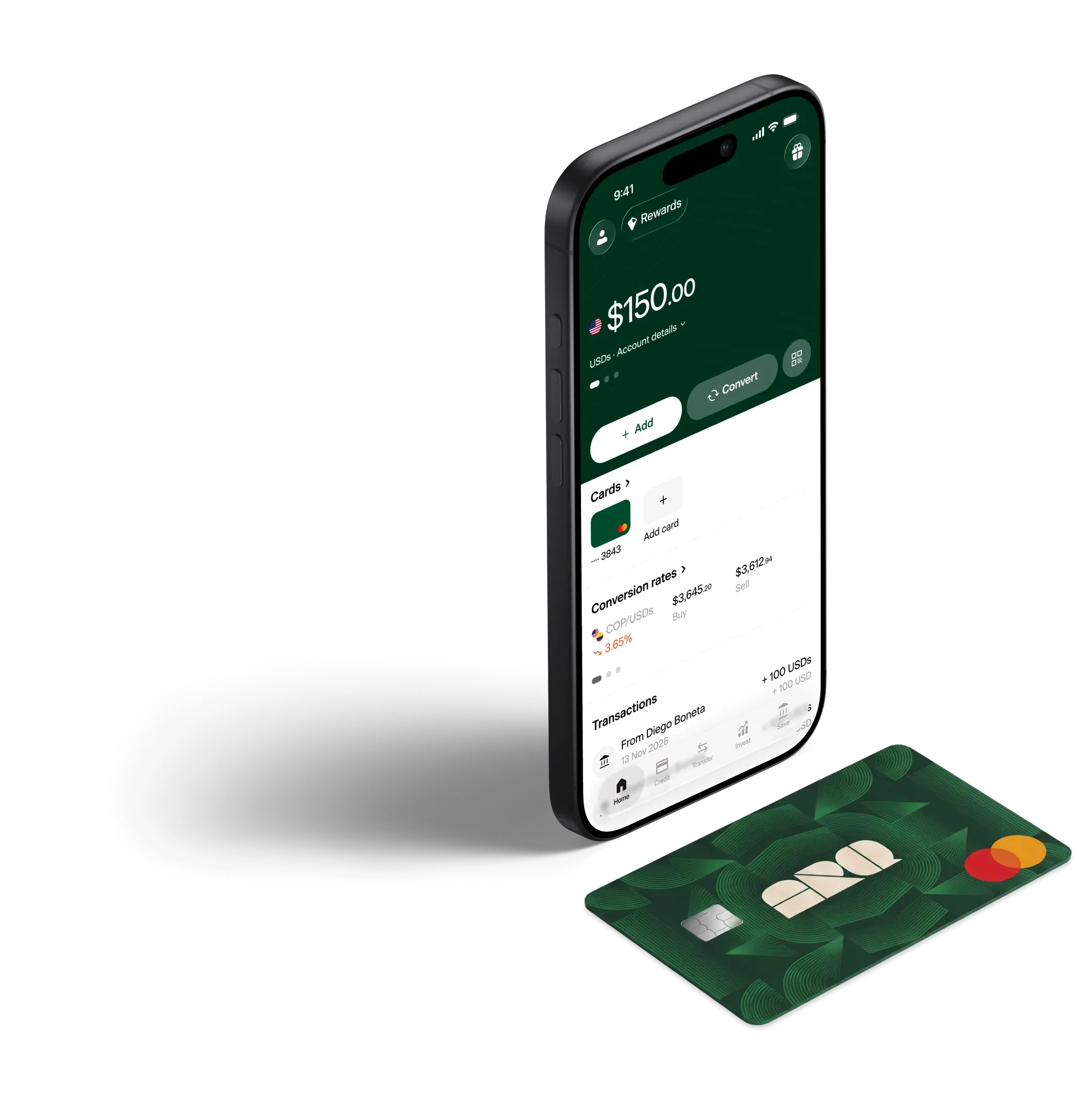
Get digital dollars and digital euros in seconds, at real market rates. Without hidden fees.
We compare Google Password Manager and LastPass on encryption, sync and plans, and show how to move your passwords from one to the other.

What Trello is, what its free plan includes in 2026 (10 boards and 10 collaborators per Workspace) and a client board you can copy.

30 jobs you can do from home, grouped by type, with what you need to start each one and which require a professional license or registration.
Scan the code and join ARQ.
2 million people around the world already manage their finances with ARQ.