Todoist is an app for planning your day and managing tasks with labels, filters, and reminders across devices. You can view tasks as a list, calendar, or board, and integrate it with Google Calendar or Outlook.
Have you ever ended the day exhausted but with the feeling that you didn’t move forward on what really mattered? Lack of organization drains your energy and precious time. With Todoist, that can change.
In this article, you’ll discover how this productivity app helps you turn chaotic to-dos into clear, achievable projects while keeping you motivated and focused.
Todoist: what it is, what it’s for, and why to use it in 2026
What is Todoist?
Todoist is a task and productivity management application available on multiple devices. It allows you to organize projects, tasks, and reminders all in one place, for both personal use and team collaboration.
This app combines simplicity with advanced features like integration with calendars, email, and collaboration tools, making it one of the most recognized productivity platforms in 2026.
What is Todoist for?
Todoist is used to organize tasks, projects, and reminders easily and in sync across all your devices.
It helps you plan your day with lists, calendars, or boards.
It facilitates team management with shared spaces.
It keeps you motivated with features like Todoist Karma, which gamifies the achievement of daily or weekly goals.
In short: it’s a tool that transforms to-do lists into clear, achievable projects.
Steps to download Todoist for Windows
Downloading Todoist to your Windows computer is very simple. Here’s a step-by-step guide that you can later complement with screenshots to create a more complete visual guide:
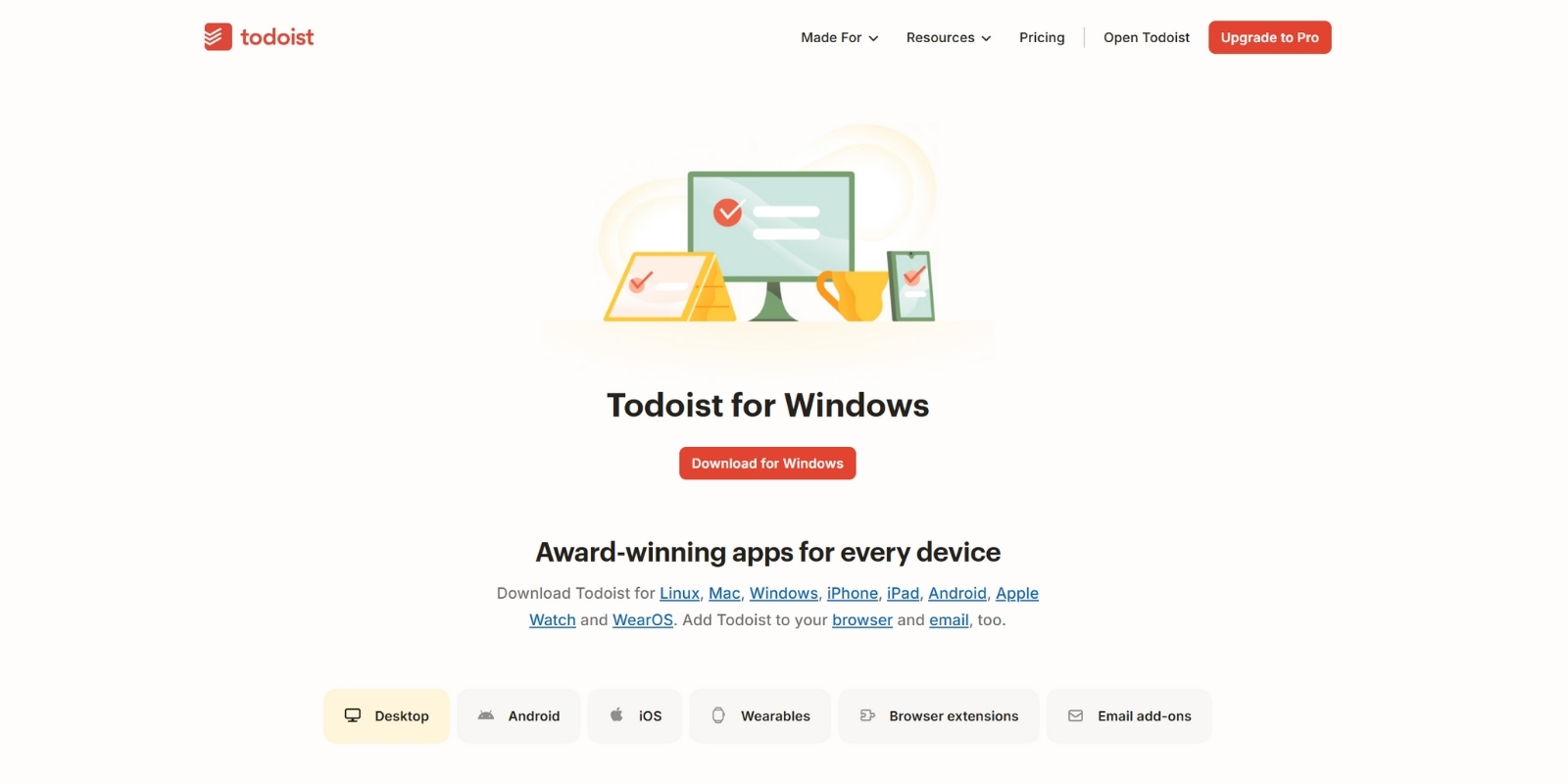
Go to Todoist’s official page: visit the official page to download Todoist for Windows.
Click “Download for Windows”: the installer will automatically download into your downloads folder.
Run the file: open the .exe file and follow the instructions on screen.
Log in or create an account: you can sign in with your email, Google, Apple, or Facebook account.
Set up the app: once inside, Todoist will automatically sync with your cloud account, so all your tasks and projects are instantly updated.
Remember, you can also use Todoist on other devices:
This way, Todoist is available anywhere and synced in real time.
Main features of Todoist
The most notable features of Todoist in 2026 include:
Multi-device management: mobile app, desktop, web, and smartwatch.
Project organization: divide projects into subcategories and tasks with dates, priorities, and reminders.
View modes: list, calendar, or Kanban-style board.
Custom reminders: via app, desktop, or email.
Todoist Karma: motivation system with goals and visual rewards.
Key integrations: Google Calendar, Microsoft Outlook, Trello, Jira, Zapier, GitHub, among many more.
Task import and export: support for CSV files.
Custom filters and labels: organize tasks by date, priority, project, or user-created labels.
Team collaboration: comment panel, activity log, and shared workspaces.
Practical tip: if you already use Google Calendar or Trello, Todoist connects in seconds to centralize all your tasks in one place.
Benefits of using Todoist
Using Todoist provides advantages both at a personal and professional level:
Benefit
Why is it useful?
Greater productivity
Centralizes all your tasks in one place.
Constant motivation
With Todoist Karma, you celebrate your daily or weekly achievements.
Total flexibility
Available on web, mobile app, desktop, and smartwatch.
Agile collaboration
Allows creating shared spaces for teams.
Extensive integrations
Connects with popular apps like Google Calendar, Jira, or Zapier.
Personalized organization
Filters, labels, and views adapted to your work style.
In summary, Todoist is not just an app for “jotting down tasks,” but a complete productivity platform that adapts to your rhythm, motivates you, and helps you achieve your goals.
Quick comparison with other apps
When choosing a productivity app, it’s common to compare Todoist with well-known alternatives like Trello, Jira, or Google Keep. Here’s a clear comparison to better understand the differences:
Todoist vs Trello (lists vs boards)
Todoist
Trello
Based on lists and projects with dates, priorities, and reminders.
Focused on Kanban boards, ideal for visualizing workflows.
Better for organizing individual and team tasks with deadlines.
Better for visual project management and agile collaboration.
Integrations with Google Calendar, Zapier, Outlook, etc.
Integrations with Slack, Google Drive, Jira, among others.
Todoist vs Jira
Todoist
Jira
Designed for personal productivity and small/medium teams.
Designed for technical teams and software project management.
Simple, flexible interface, fast learning curve.
Complex, requires advanced setup and longer learning curve.
Allows assigning tasks, deadlines, labels, and collaborations.
Useful for jotting down quick ideas, not for structured projects.
Motivation features (Todoist Karma) and activity reports.
No stats or reports, only notes and basic reminders.
Todoist Premium vs Free (with prices)
At some point we all ask ourselves: is it worth paying for an app? Todoist offers a pretty solid free version, but its Pro and Business plans unlock a range of features that make teamwork, project control, and even AI assistant integration much easier.
Plan & Price
Main Features
Free (Beginner) – US $0
• Up to 5 personal projects • 3 basic filters • 1 week of activity history • List and board views (basic) • Essential integrations
Pro – US $4/month (US $48/year)
• Up to 300 projects • Calendar view of task durations • Custom reminders • 150 advanced filters • Unlimited history • AI assistant and deadlines
Business (TodoBiz) – US $6/month (US $72/year)+ taxes
• Everything in Pro for each member • Shared team space • Up to 500 team projects • Collaborative calendar • Shared templates • Up to 1000 members and guests • Project folders • Roles, permissions, and centralized billing
Conclusion
In summary, Todoist is not just an app for jotting down to-dos: it’s a productivity platform that adapts to different profiles, from students to complex work teams.
Its benefits, comparisons, and plans make it clear that in 2026 it remains one of the most complete options on the market for those seeking order, motivation, and results.
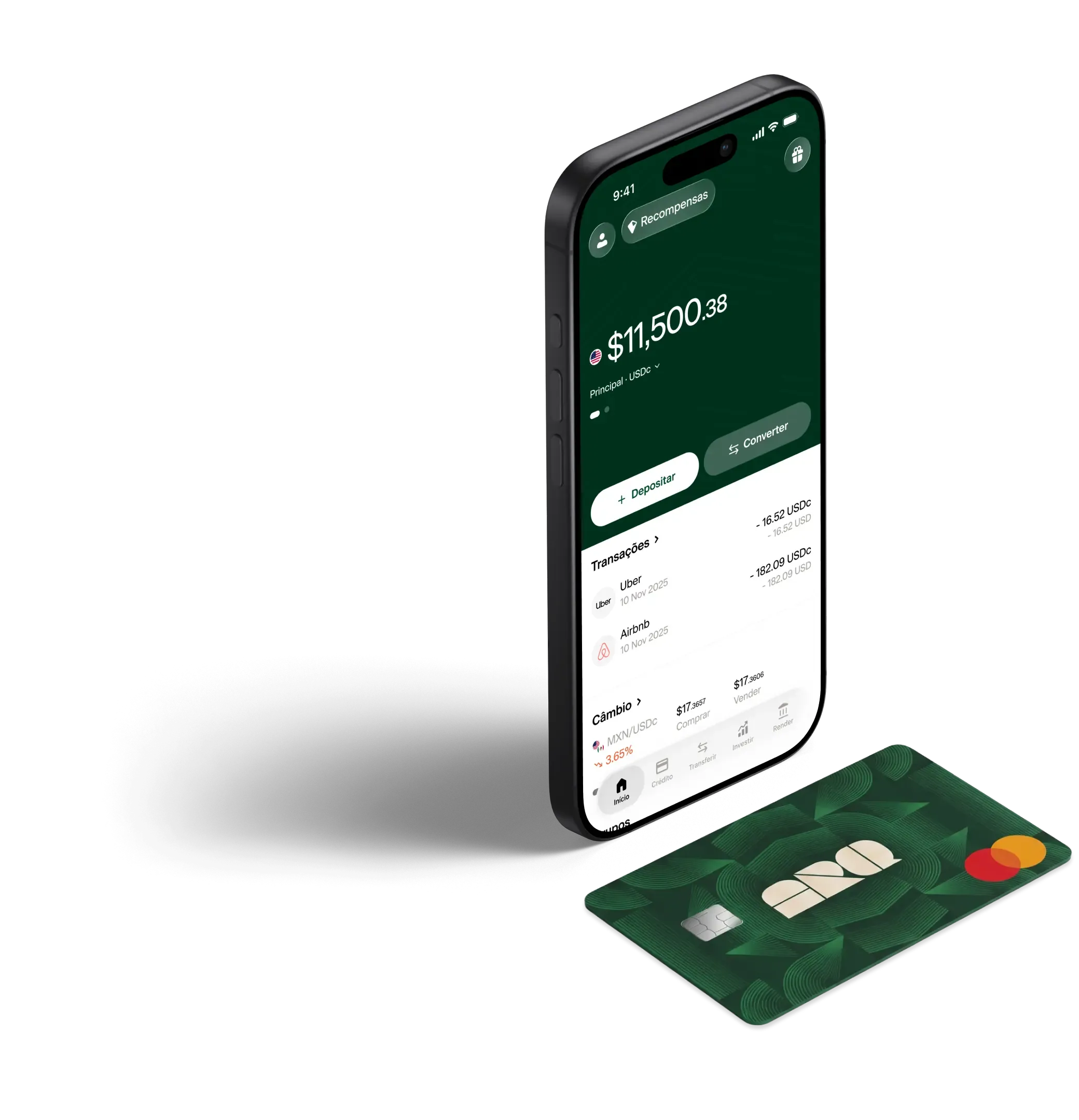
And just as Todoist helps organize tasks, it’s also essential to organize digital finances. In this field, ARQ becomes an attractive and secure option to manage digital dollars and euros from anywhere in the world.
With ARQ, you can save, pay, and move your money in strong currencies without complications, complementing your personal and professional productivity with smarter financial management.
Seu banco odiaria que você visse nossas taxas de conversão.
Converta dólares digitais e euros digitais em segundos, com as taxas reais do mercado. Sem taxas ocultas.
![Todoist: what it is, how it works [why you should use it in 2026]](https://images.ctfassets.net/h9i30ml9c3lu/49uDvoeEaD0Fk0vmeoiGJB/4c10aec73c2b36f7c378764770925306/PORTADAS_BLOG_DOLARAPP.jpg)