Freelancer tips
5 Platforms to Create Comparison Charts Online, Free Plans
Canva, Visme, Miro, Piktochart and MyMap.ai for comparison charts: what each is good for and what you can download without paying.
Santiago SanchezNovember 27, 2026

Yes: describe your brand (name, what it does, style, colors) and ask for several concepts. Image creation is on every ChatGPT plan, including free, with usage limits. Before using it as a trademark, check it does not resemble another mark and register it.
Freelancers who stand out in their field are those who convey trust, often through their reputation. However, professional image also plays a crucial role, and this is where technological innovation for designing logos with artificial intelligence comes into play.
In this case, we're talking about ChatGPT, an AI model capable of providing creative ideas to enhance your business. This includes unique and professional logos, ideal for freelancers who own their own business.
It's also useful for independent creatives specializing in graphic design, branding, or those offering services related to the visual identity of brands.
That's why in today's guide, we'll show you how to leverage this tool to create impactful logos that reflect the essence of your brand.
Yes, you can create logos with ChatGPT if you know how to use it as a tool for producing ideas and concepts.
Yes. ChatGPT Images creates images from your description and is available on every plan, including the free one, where image creation has its own usage limit. It can add text inside the image, make the background transparent and edit a selected area. Use it to explore concepts, then refine the one you choose.
Designing logos with ChatGPT is a great opportunity for creative freelancers looking for a quick and effective way to generate ideas.
The steps to create a logo with ChatGPT are:
Before you start designing your logo, it's crucial to have a clear understanding of your personal brand. The logo is responsible for projecting your company's identity and the values you want to transmit.
Think about the services you offer, your market niche, and the image you want to reflect.
To make a significant impact on your target audience, logos with artificial intelligence should be simple to be easily memorable. Also, ensure it can adapt to different sizes and digital platforms.
Most importantly, your logo must be unique to make your company stand out from the competition.
You can use this AI to form some initial ideas. To do this, provide information such as your business name, your work style, services, and strengths. This will help it understand what you want to project through the logo.
Then, ask the chat to give you design suggestions considering these factors.
Review the results generated by ChatGPT and choose those that align most with your freelance identity. Next, personalize and adjust these suggestions to accurately reflect what you do and what you represent as an independent professional.
With some solid ideas in hand, you can start testing different elements until you find those that represent your brand's personality. We're talking about icons, shapes, colors, and typography styles.
Ask the chat to provide you with suggestions for attractive color combinations and fonts that also reinforce the professional image of your brand.
Keep tweaking the design until you achieve the result you're looking for. Take the time necessary to perfect your freelance business logo.
It's important to ensure it's the correct visual representation, that is, it shows what you do and what you represent.
Once you're satisfied with the final result, save it in various formats. This will allow you to use it across a variety of platforms and marketing materials.
All that's left is to add the new logo to your website, business cards, social media profiles, and other materials that effectively promote your business.
Canva is available as a connected app inside ChatGPT. To turn it on, go to Settings > Plugins, select Canva and connect your Canva account. Availability depends on your ChatGPT plan and region.
How? Follow these steps:
1. Open Settings > Plugins in ChatGPT, select Canva and connect your account.
2. Once installed, return to the main chat and describe the logo you want with keywords.
3. Wait for the app to load a list of images based on your description.
4. Choose the visual element that best suits your needs.
5. If desired, edit it through Canva to customize it further.
6. If you are satisfied with the design, download it in the format you want.
Before you use a logo as a trademark: OpenAI's Terms of Use (effective January 1, 2026) say you own the output, but other users may receive similar output. Check that it does not resemble an existing mark and register it with your country's trademark office.
In addition, Canva offers intuitive editing tools, which let you adjust colours and fonts and other details according to your preferences.
In addition to ChatGPT, there are other tools that can be useful for creating logos with artificial intelligence.
Here are 3 options:
1. Canva. The platform itself offers a wide range of templates, allowing you to personalize and add graphic elements to create logos intuitively and accessibly.
2. Looka. Uses AI to create unique logos, with editing options, customization, and user-focused preferences.
3. Tailor Brands. The site offers a variety of styles for designing personalized logos to meet the needs of any freelancer.
You can also take advantage of Designhill and other online platforms.
This application can optimize the logo design process through various features, for example:
Helps generate ideas by offering different perspectives to unlock creativity and explore more possibilities.
It has the ability to analyse complex details and provide valuable data to better leverage available resources.
The chat can create relevant content for making a logo in short periods, saving you time.
It also optimizes efficiency by generating screen layouts and essential colour palettes in colour psychology.
Suggests design improvements.
The versatility to perform specific roles makes the chat a personalized support tool, providing help in multiple aspects related to the design project.
It can act as an SEO expert, copywriter, and even as a programmer, making creating logos with ChatGPT improve the creative process.
If you want to create effective prompts for ChatGPT, the key is to be specific and clear. It's vital to give direct instructions for the desired task, providing context about the project, such as the tone, target audience, and message to convey.
But that's not all, you should also:
Use key terms related to your area or project for better understanding and, therefore, get more accurate responses.
Ask ChatGPT for suggestions, examples, or references that can inspire you.
Use the application as constructive feedback to optimize your projects, asking for opinions about your designs.
Experiment with different approaches and do not hesitate to refine the prompts.
Keep your creativity to find the style that works best for you. Remember, the more instructions you give to ChatGPT, the better it will work. Also, do it as if it were part of a conversation.
If you design logos for clients, send a freelance invoice for each job.
If you get paid by clients abroad, ARQ gives you your own US and EU account details to receive payments in USDs and EURc. On the Standard plan, each international payment costs USD 3 or EUR 3.
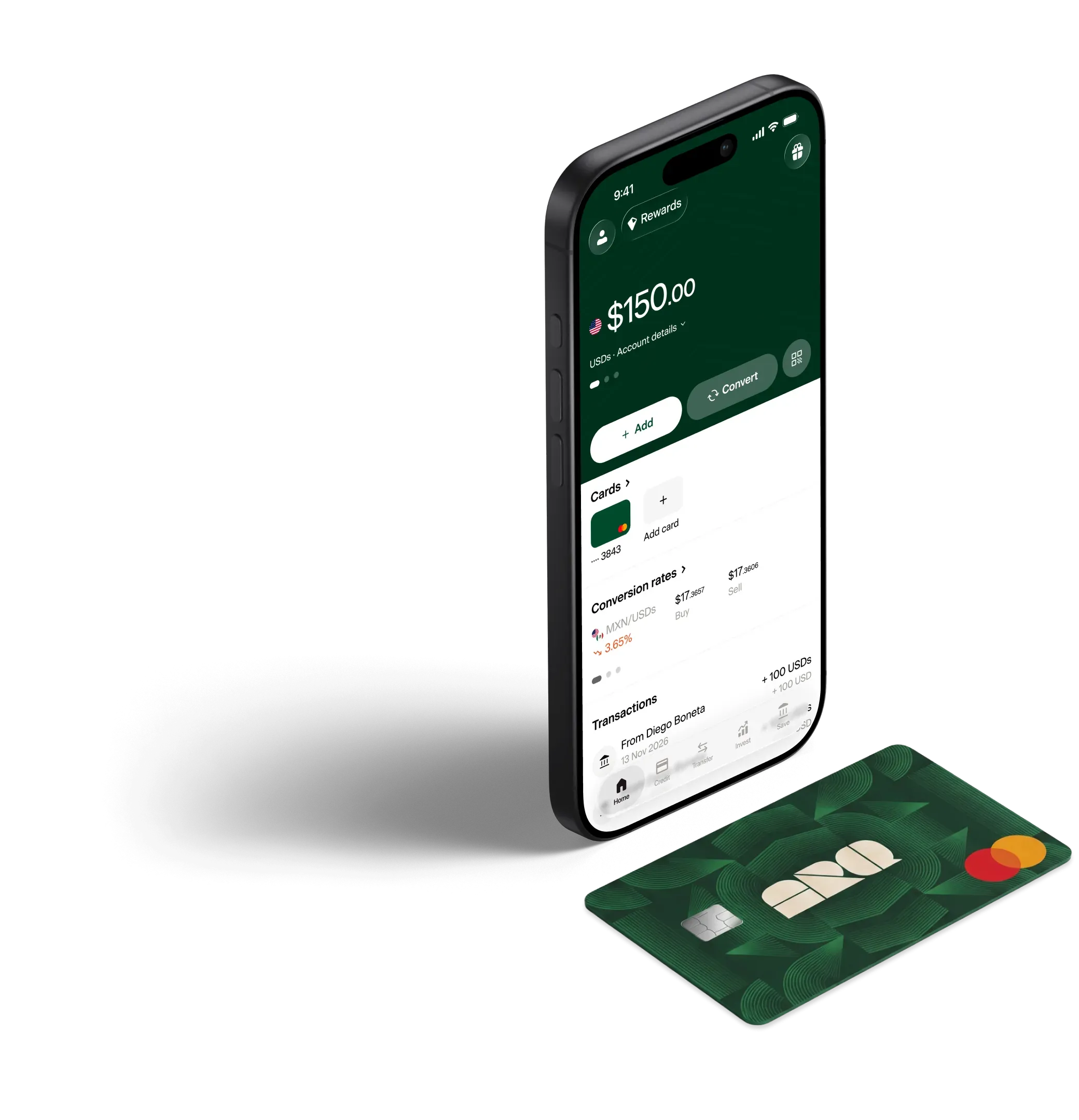
Get digital dollars and digital euros in seconds, at real market rates. Without hidden fees.
Canva, Visme, Miro, Piktochart and MyMap.ai for comparison charts: what each is good for and what you can download without paying.
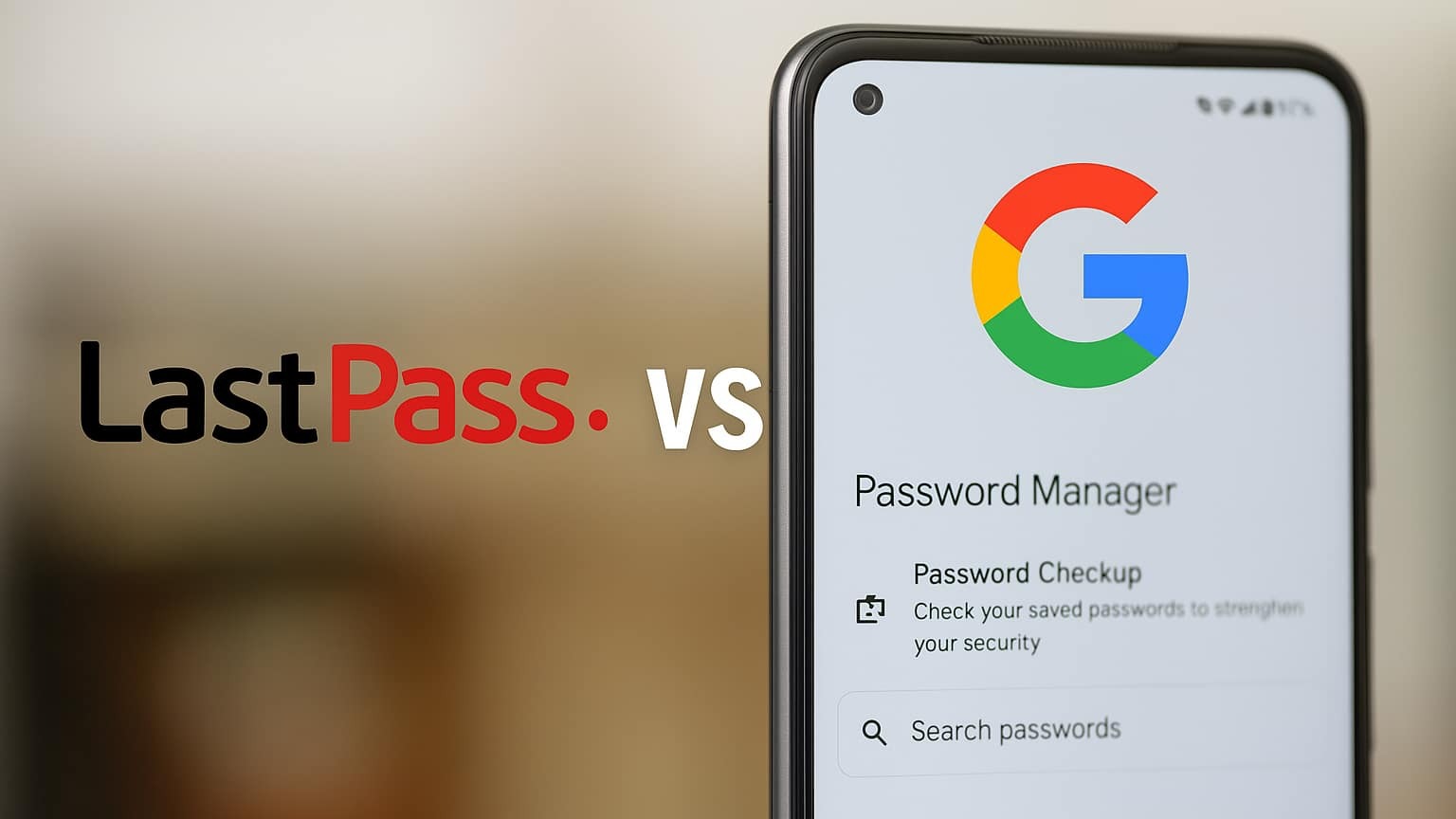
We compare Google Password Manager and LastPass on encryption, sync and plans, and show how to move your passwords from one to the other.
What Trello is, what its free plan includes in 2026 (10 boards and 10 collaborators per Workspace) and a client board you can copy.
Scan the code and join ARQ.
2 million people around the world already manage their finances with ARQ.