Freelancer tips
5 Platforms to Create Comparison Charts Online, Free Plans
Canva, Visme, Miro, Piktochart and MyMap.ai for comparison charts: what each is good for and what you can download without paying.
Santiago SanchezNovember 27, 2026

A mind map is a visual representation of thinking, with a central topic and branches of ideas. To make one: define the topic, create main and sub-branches, use keywords and visuals, and connect everything.
How can you maximize your efficiency and creativity as a freelancer? The answer may lie in a simple yet powerful tool: the mind map. But, what is a mind map? In short, it's a visual representation of thought, making it a strong ally in your autonomous career as a vehicle for clarity, efficiency, and innovation.
In this post, we explain how to create a mind map, its characteristics and advantages, with a worked example.
Mind maps were popularized in the 1970s by British author and educational consultant Tony Buzan, through his BBC series and book Use Your Head (1974). He saw the mind map as a way to organize ideas around keywords, branches, colors and images.
While graphical representation of knowledge already existed, Buzan formalized its current structure and highlighted its effectiveness in organizing thought, creativity, and memorization.
Mind maps serve various purposes, both personal and professional, proving extremely useful in many aspects of freelance work, such as:
Project organization. They help visualize and organize tasks or ideas associated with each project more clearly.
Generation of creative ideas. The non-linear nature of these diagrams fosters creativity, making them useful for brainstorming and generating new ideas for your services, projects, or creative solutions with your clients.
Memorization and data retention. A mind map is useful for taking notes during research or learning, organizing significant information, and facilitating long-term retention.
If you get paid by clients abroad, ARQ gives you your own US and EU account details to receive payments in USDs and EURc. On the Standard plan, each international payment costs USD 3 or EUR 3.
Using mind maps is a strategy that will help you visualize and compare different options when you need to make important decisions about your work or business.
Mind maps are highly flexible with no single method for creation, yet they have certain identifying features, such as:
A central theme or focal point from which secondary ideas emerge.
The use of visual elements to represent concepts, like colors, images, and symbols, facilitating understanding and information retention.
The ability to represent idea hierarchies through the structuring of main and subordinate concepts.
The facilitation of non-linear concept connection, encouraging free idea association.
They help organize information clearly and systematically for simpler communication and understanding.
Their flexibility and adaptability allow for the addition, modification, or reorganization of ideas as needed.
As highly creative tools, they stimulate the generation of new ideas and solutions.
They enable the simplification and synthesis of complex ideas into an easily accessible visual format.
As you can see, mind maps are effective tools for planning, decision-making, and problem-solving, proving to be highly beneficial in terms of creativity, organization, communication, and productivity.
They stimulate creativity.
They are flexible tools.
Improve memory.
Facilitate clear and effective communication.
They increase productivity.
They are useful for planning and project management.
They optimise comprehension and understanding.
In short, they can be useful in terms of creativity, organisation, communication and productivity.
Creating a mind map is a flexible and personalized process, but here's a general guide on how to do it:
1. Choose the central point. Start by identifying the main theme and placing it at the center of your mind map.
2. Add main branches. Branch out from the central theme with aspects or main categories related to your topic.
3. Incorporate secondary branches. Continue with secondary ideas representing subcategories or details.
4. Use keywords and visual elements. Employ short phrases to express ideas and concepts, as well as icons or images to make your map visually appealing and memorable.
5. Connect everything. Link branches with lines, arrows, or other methods to show the relationships between ideas.
You can always reorganize, add details, or remove irrelevant elements.
The first thing to note is that both models are ideal visual tools for organizing and expressing knowledge. However, comparing a mind map with a conceptual map reveals differences in their structure, focus, and use.
We explain these differences in a comparative chart.
Mind Maps | Conceptual Maps | |
Structure | Radial. With a focal point and branches extending outwards. It represents associations and connections between ideas. | It is hierarchical, more formal and logical. With main concepts or nodes intertwined by lines. |
Cognitive focus | The free association of ideas. | Conceptual clarity and understanding of relationships between them. |
Visual elements | They include images, symbols and colours to optimise comprehension and memorisation. | The relationship between words has more emphasis than visual elements. |
Use and application | To generate ideas, plan projects, take notes, solve problems. | To research and analyse information and teach complex concepts. |
This overview highlights the key differences between the two tools, suggesting that mind maps tend to be freer and more creative, while conceptual maps are more structured and formal in their approach.
Put "November" in the center. The main branches are Clients, Deliveries, Payments, Learning and Rest. Clients branches into each client and what is still to confirm; Deliveries into dates; Payments into which invoice goes out and when; Learning into the week’s course; Rest into days off. An arrow links the delivery on the 15th to the payment on the 20th: if one slips, so does the other.
Remember, there is no "correct" or "perfect" way to create a mind map. Feel free to experiment and create one according to your needs and personal preferences.
With today's technology, creating a mind map online is the quickest and most effective method, especially if you aspire to work from home. Fortunately, there are many application and software options available, including the following four:
Coggle. Known for its intuitive and easy-to-use interface. Besides creating mind maps, you can share and collaborate in real time with other users.
Lucidspark. A virtual whiteboard allowing you to create and collaborate on mind maps, brainstorming sessions, and more. It features a variety of drawing tools and the option to add notes, images, and links.
Miro. An online collaboration platform known for its versatility. It allows you to create mind maps and other types of visual content.
XMind. A software offering a wide range of templates and customization tools to effectively create mind maps.
These aren't the only options; you can find numerous others online. Keep in mind that some offer basic functionalities for free, but if you want additional features, you might need to subscribe to a plan.
Now that you have a better idea of how to create a mind map, consider the following tips:
Use keywords. Convey your ideas with short phrases so the text is concise and easy to read.
Use a legible font. Avoid fonts that are difficult to read, especially in small sizes.
Use color with a purpose. Give each main branch its own color so related ideas are easy to spot, and keep the rest of the map simple.
Clear connections. Make sure the lines and arrows between ideas show a real relationship.
Try different approaches. Don't stick to a single technique or design style. Find the one that best suits the way you think.
Review and refine. Remove redundant elements or add what is missing to improve clarity.
These strategies could be useful to make the most of the tool, especially if you decide to offer it as part of your freelance services.
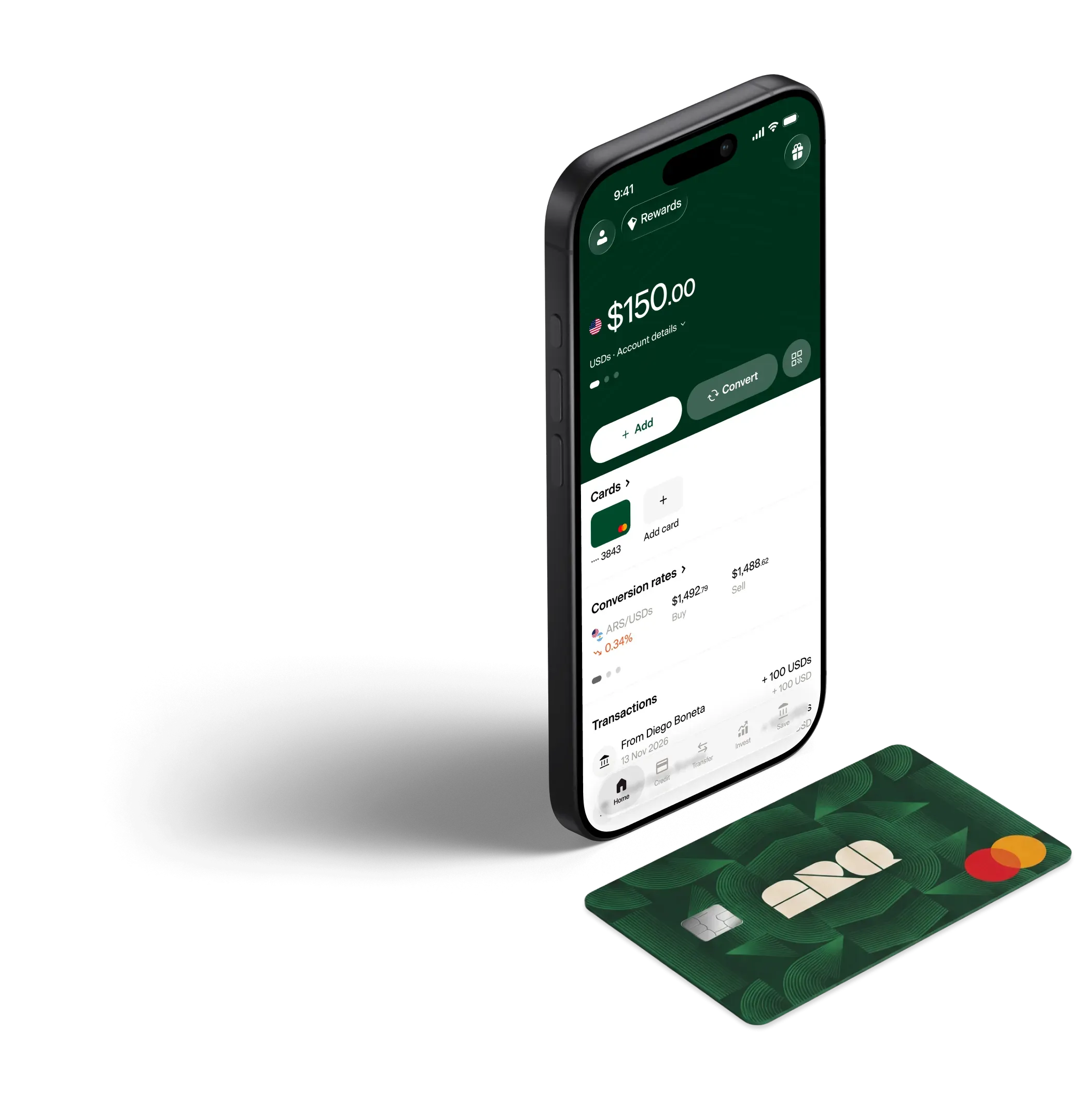
Convert pesos to digital dollars or digital euros in seconds, at real market rates. Without hidden fees.
Canva, Visme, Miro, Piktochart and MyMap.ai for comparison charts: what each is good for and what you can download without paying.
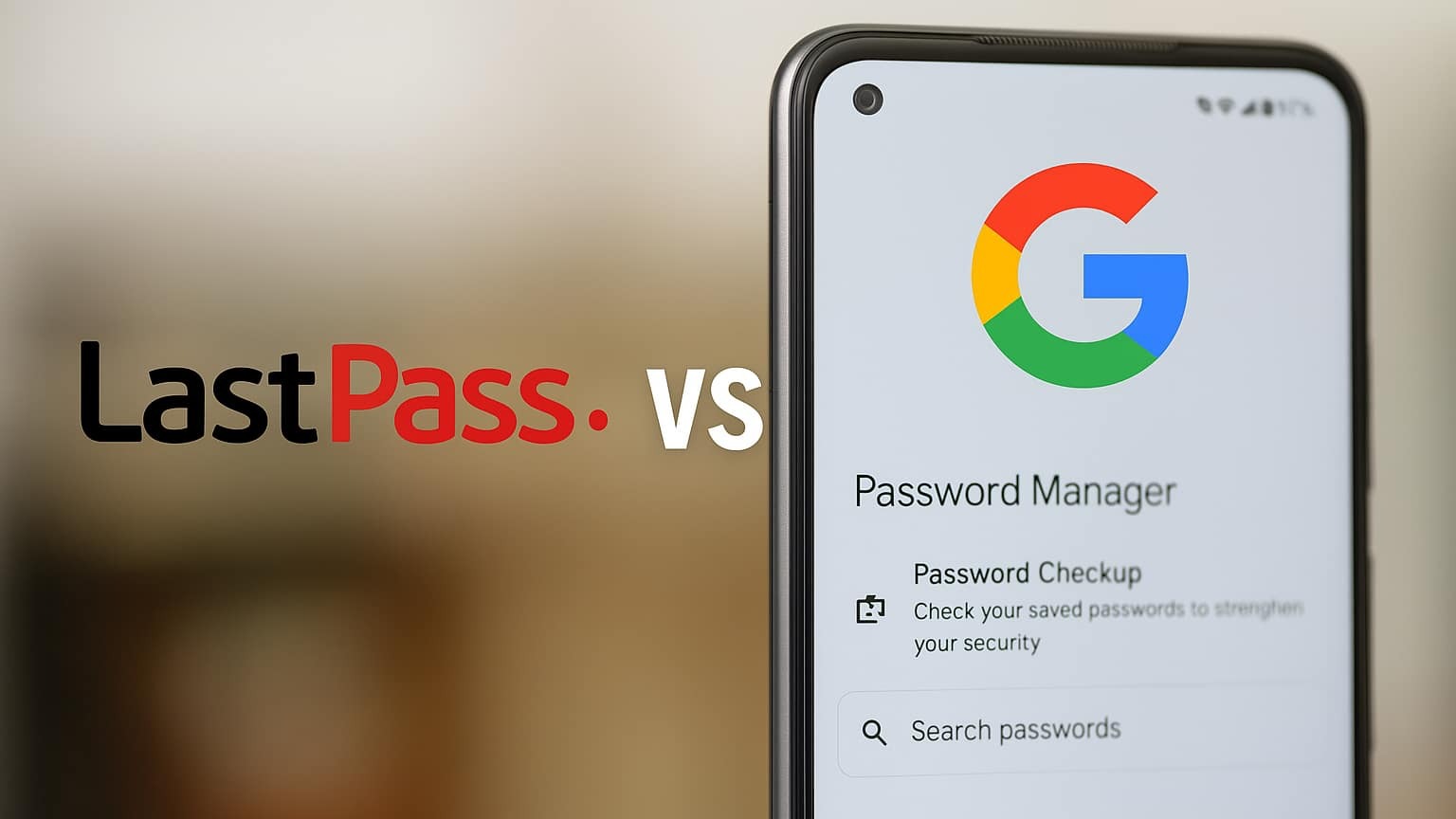
We compare Google Password Manager and LastPass on encryption, sync and plans, and show how to move your passwords from one to the other.

What Trello is, what its free plan includes in 2026 (10 boards and 10 collaborators per Workspace) and a client board you can copy.
Scan the code and join ARQ.
2 million people around the world already manage their finances with ARQ.